


plimpton Portable Carplay Android Auto Screen for Car 7 Inch IPS Touch Screen Wireless Car Play for iOS Driveplay Multimedia Player with Voice Control, BT, Mirror Link for All Vehicle
14 sold in last 24 hours
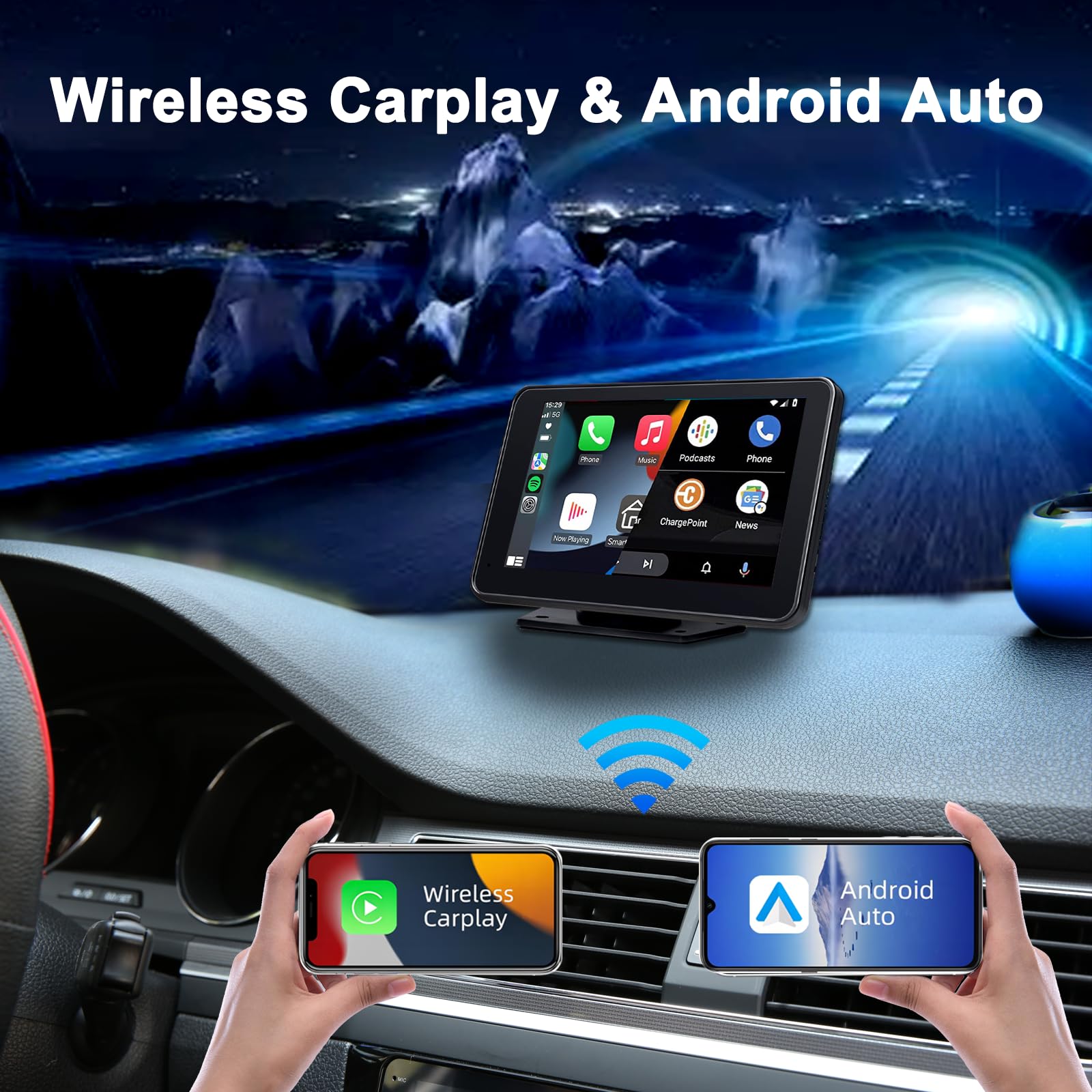
- Wireless CarPlay and Android Auto: Upgrade your driving experience with our portable CarPlay screen, fully compatible with both iOS and Android Auto. You’ll have easy access to navigation, contacts, music, and more, allowing you to stay focused on the road and making your journey safer and more enjoyable. With the NEWEST UI Interface, added driving position switching function/touch screen off button/day and night mode switch, making every trip enjoyable
- Easy Installation and Intuitive Interface: Installing this CarPlay screen is straightforward and doesn’t require disassembling your car. Simply attach the screen and secure the base to the dashboard with 3M adhesive. The 7-inch touchscreen, featuring Android Auto and CarPlay, has a user-friendly interface and a Full HD IPS display, ensuring clarity even in bright sunlight. It’s designed to fit various vehicles, including cars, SUVs, and trucks
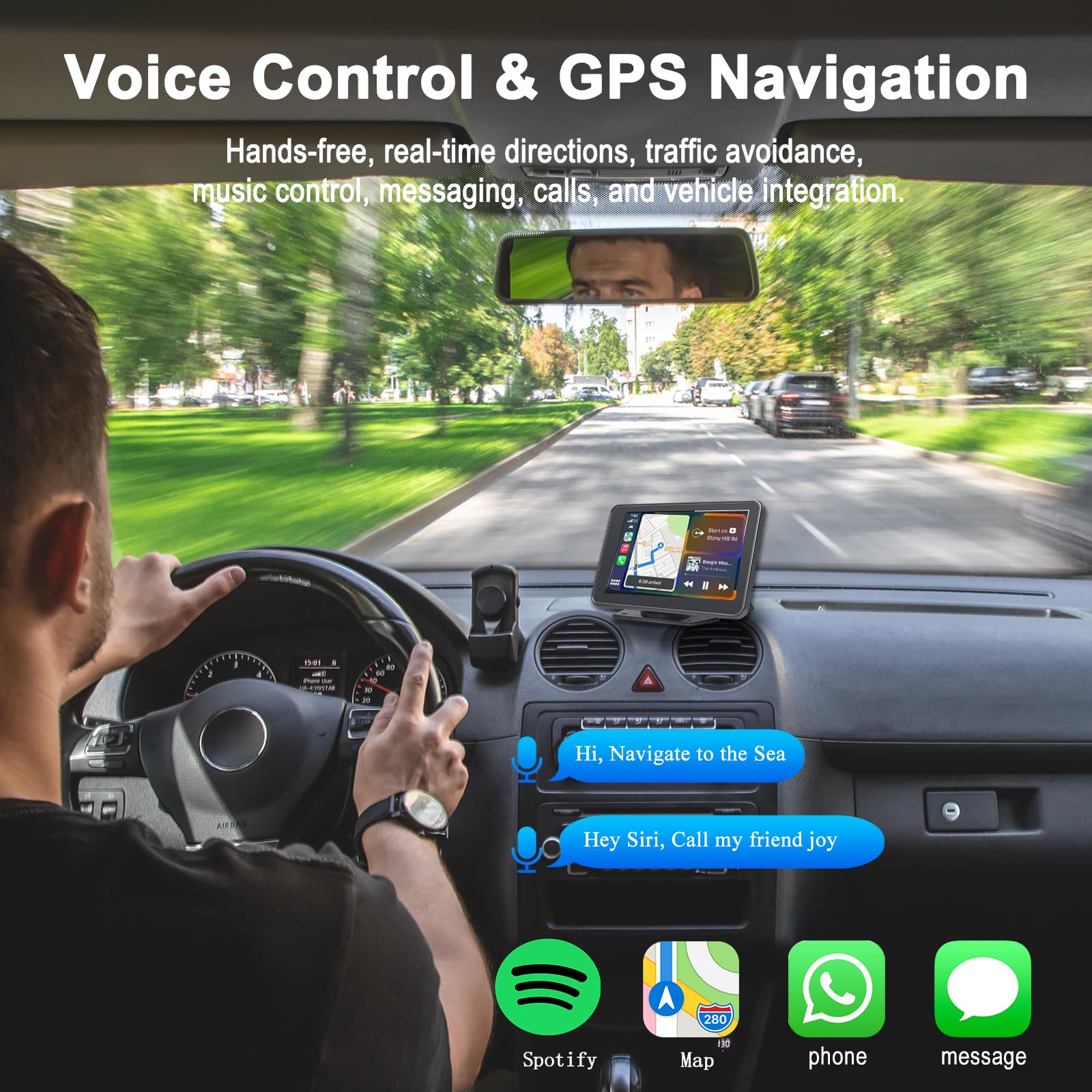
- Live GPS Navigation: Effortlessly connect your smartphone to our portable CarPlay screen and mirror live maps between your phone and the CarPlay display. Instantly access the latest directions, easily search for your destination, and send routes directly to the CarPlay screen. Please note that while Android Auto and iOS CarPlay offer great navigation features, they are currently incompatible with certain apps like Uber or Zomato
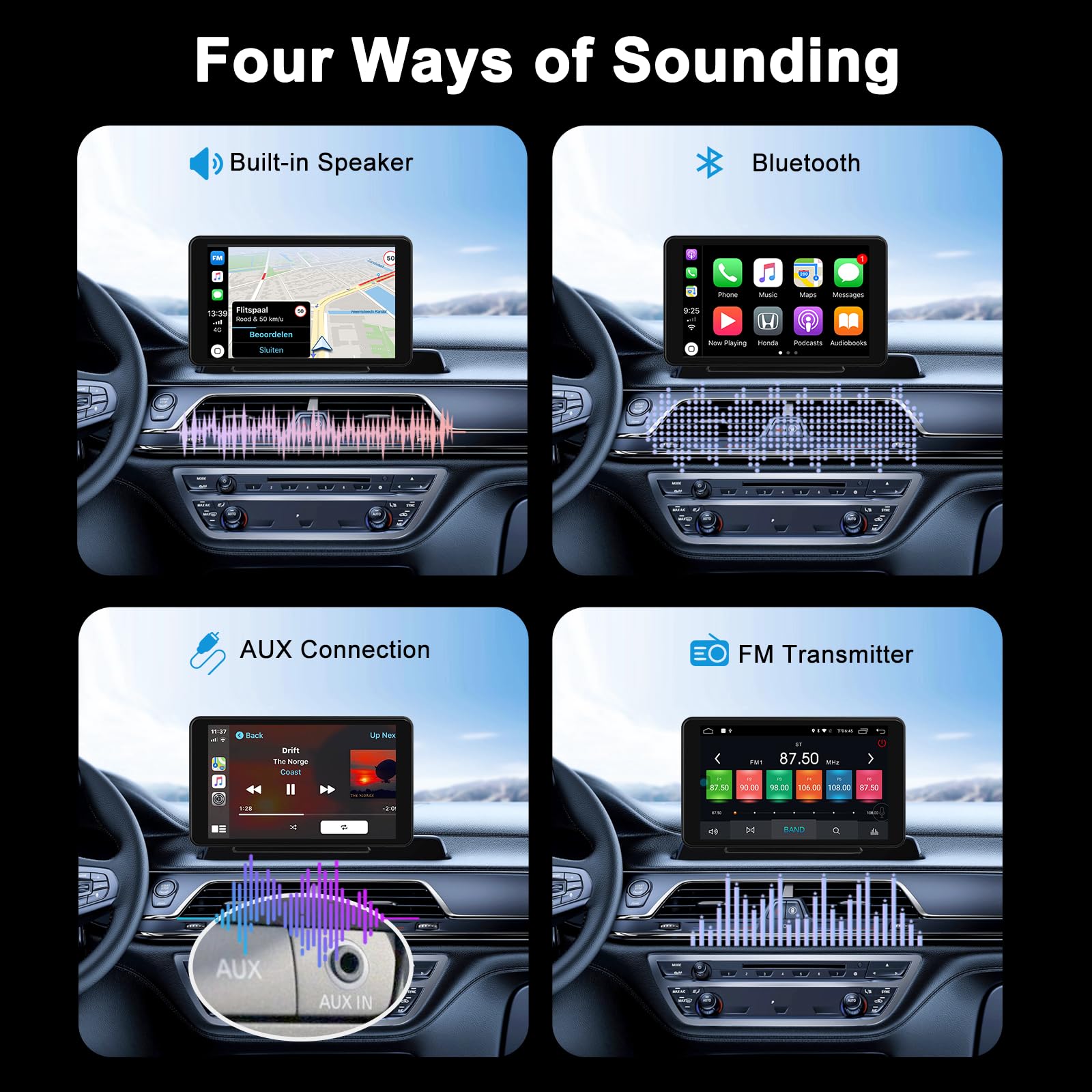
- Multiple Audio Output Options: The versatile Driveplay system offers various ways to enjoy audio, including Bluetooth for wireless streaming to your car's stereo, along with options for AUX, FM transmitters, and built-in speakers. Please note that the FM option is designed solely for receiving audio and cannot transmit signals. This setup provides flexible audio choices, delivering excellent stereo sound and an immersive listening experience, perfect for enjoying your favorite music apps
- Android and iOS Mirroring Function: The 7-inch CarPlay screen enables iOS mirroring, allowing you to easily connect and display content from your phone. Besides working with iOS devices, it’s also compatible with Android smartphones, offering a similar mirroring feature. This allows you to access and control your phone apps directly while driving
Tags |
Estimated shipping
Select a product to estimate shipping.Why can’t I connect to CarPlay?
Find the connected but unusable carplay on your phone's Bluetooth, choose to ignore the device, and then try to connect again. (Restart carplay if necessary).
Which reverse cameras are compatible with this device?
Here are the parameters of the camera that our device is compatible with:
Voltage: 12-24V
Pin:4-pin
Rear camera interface: 2.5mm AHD rear camera interfacce
Rear camera module specifications: CVBS of D135 °/H115°/V60 °
Unable to connect to the phone wifi to use the mirroring function?
Check if your phone is connected to Wi-Fi > Select Forget Device > Restart the phone and carplay > Search "carplay_wifi_xxxx" on the phone and connect > Select "Car" in Screen Mirroring in the phone's control center > Start mirroring.
Do I need to restart L1 after connecting the power supply?
Once L1 powered on, when the car turn on, L1 will also turn on, and when the car is turned off, L1 will also turn off. There is no need to use the power button to turn on or off it, we can reducing the need to press the power button.
How to make gps navigation and music come out of car stereo?
Connect the mobile phone to carplay and "Car Bluetooth Speaker" > Select "Audio Output Mode" on the interface and turn on "Audio Played by Mobile Phone" > realize the original car Bluetooth speaker to play music and navigation voice.
Product details


| Main Specification | |
|---|---|
| 제어 방법 | 앱 다운로드 or 제품정보 or 이름 * |
| 관제사 유형 | 음성제어 or Touchscreen |
| Connectivity 기술 | 블루투스 or USB 케이블 or 와이파이 or 지원하다 |
| 지원된 인터넷 서비스 | 공지사항 or Apple Music or Carplay or Google Maps or Siri or Waze |
| 호환성 장치 | 스마트 폰 or iOS 기기 or Android 기기 |
| 특수 기능 | Android Auto or 애플 카플레이 or Bluetooth 연결성 or Touchscreen Display |
| 주요 특징 | plimpton, [email protected] |
| 단위 수 | 1 개 |
| 산출 와트수 | 50 와트 |
| 주요 특징 | plimpton |
| 상품번호 | 1명 1명 |
| 와트수 | 50 와트 |
| 색상 : | 빛 검정 |
| 연결관 유형 | USB 유형 C |
| 오디오 출력 모드 | 기본 정보 |
| Product information | |
| EU 예비 품목 가용성 내구 | 1 년 |
| 채널 수 | 2개 |
| 팩의 수 | 1명 1명 |
| 주변 사운드 채널 구성 | 2.0 이상 |
| Technical Details | |
| 국가 선택 | 주요 시장 |
| Item details | |
| 품목 유형 이름 | L1 |
| Measurements | |
| 품목 차원 D x W x H | 2.2D x 19W x 11.2H Centimeters |
| Others | |
| 네트워크 연결 기술 | USB 케이블 or 와이파이 or 블루투스 or 지원하다 |
| 제품의 다른 특별한 특징 | Android Auto or Apple CarPlay or Bluetooth 연결성 or Touchscreen Display |
| 오디오 출력 유형 | 회사연혁 or 블루투스 |
| 제품 유형 | L1 |
| 회사소개 | Carplay Screen |
| Packer 연락처 정보 | [email protected] |
| Importer 연락처 정보 | [email protected] |
| 품목 측정의 무게 단위 | 325 그램 |
| 제조업체 연락처 정보 | [email protected] |
| 소프트웨어 업데이트 날짜에 지원 | 이름 * |
| Green Purchasing 법률 준수 | 이름 * |
| 총 HDMI 항구 | 1명 1명 |
| 총 HDMI 항구 | 1명 1명 |
| 출력 전력 | 50 와트 |